> ## Documentation Index
> Fetch the complete documentation index at: https://docs.hackersquad.io/llms.txt
> Use this file to discover all available pages before exploring further.
# Create an Event
> Learn what you need before you can create an event on HackerSquad.
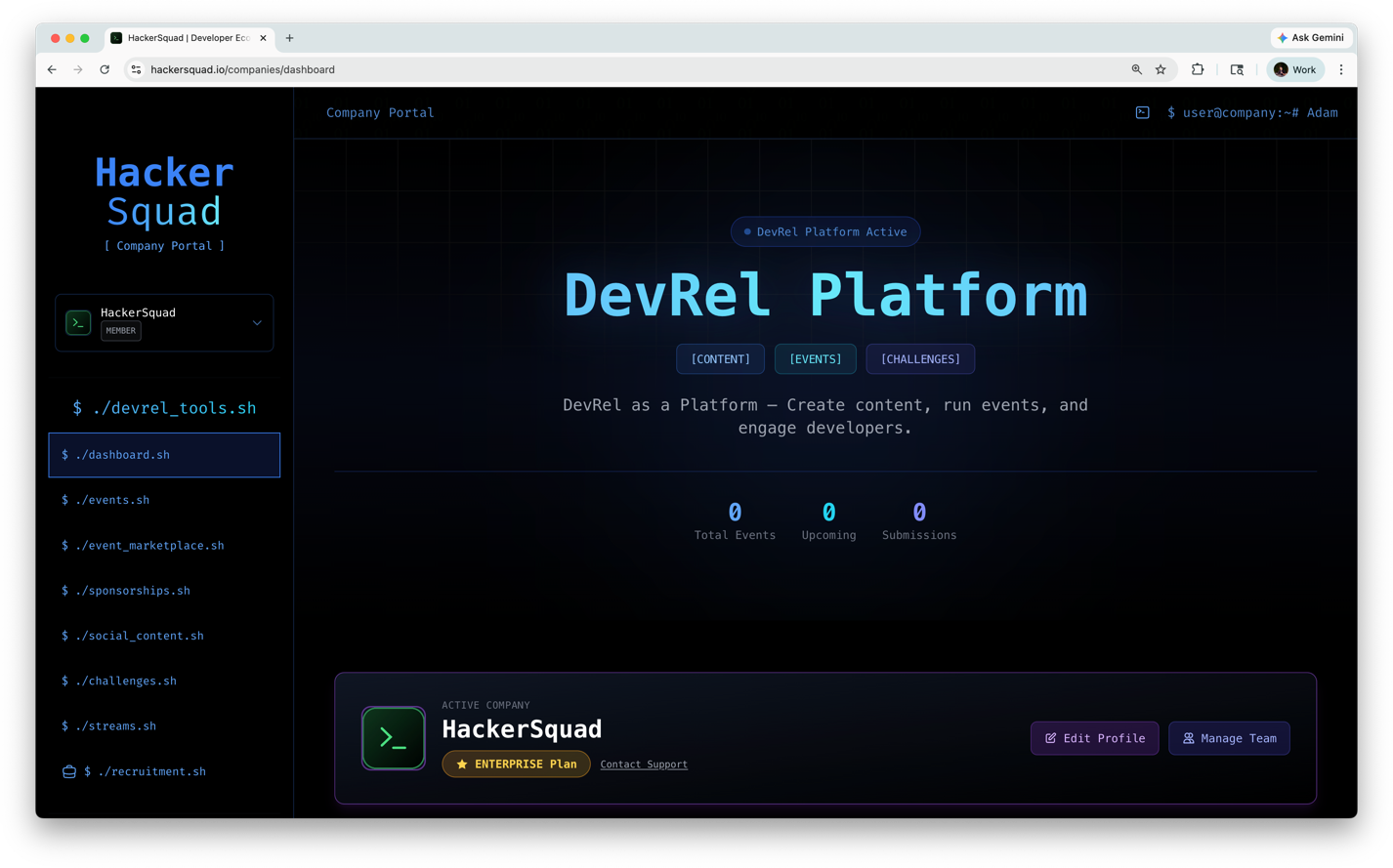
Before you can create an event on HackerSquad, you must have an approved company connected to your account.
 ## Before you create an event
Event creation is only available for approved companies on HackerSquad. If you do not have a company yet, create one first at [Create a company](https://hackersquad.io/companies/access-denied).
## Before you create an event
Event creation is only available for approved companies on HackerSquad. If you do not have a company yet, create one first at [Create a company](https://hackersquad.io/companies/access-denied).
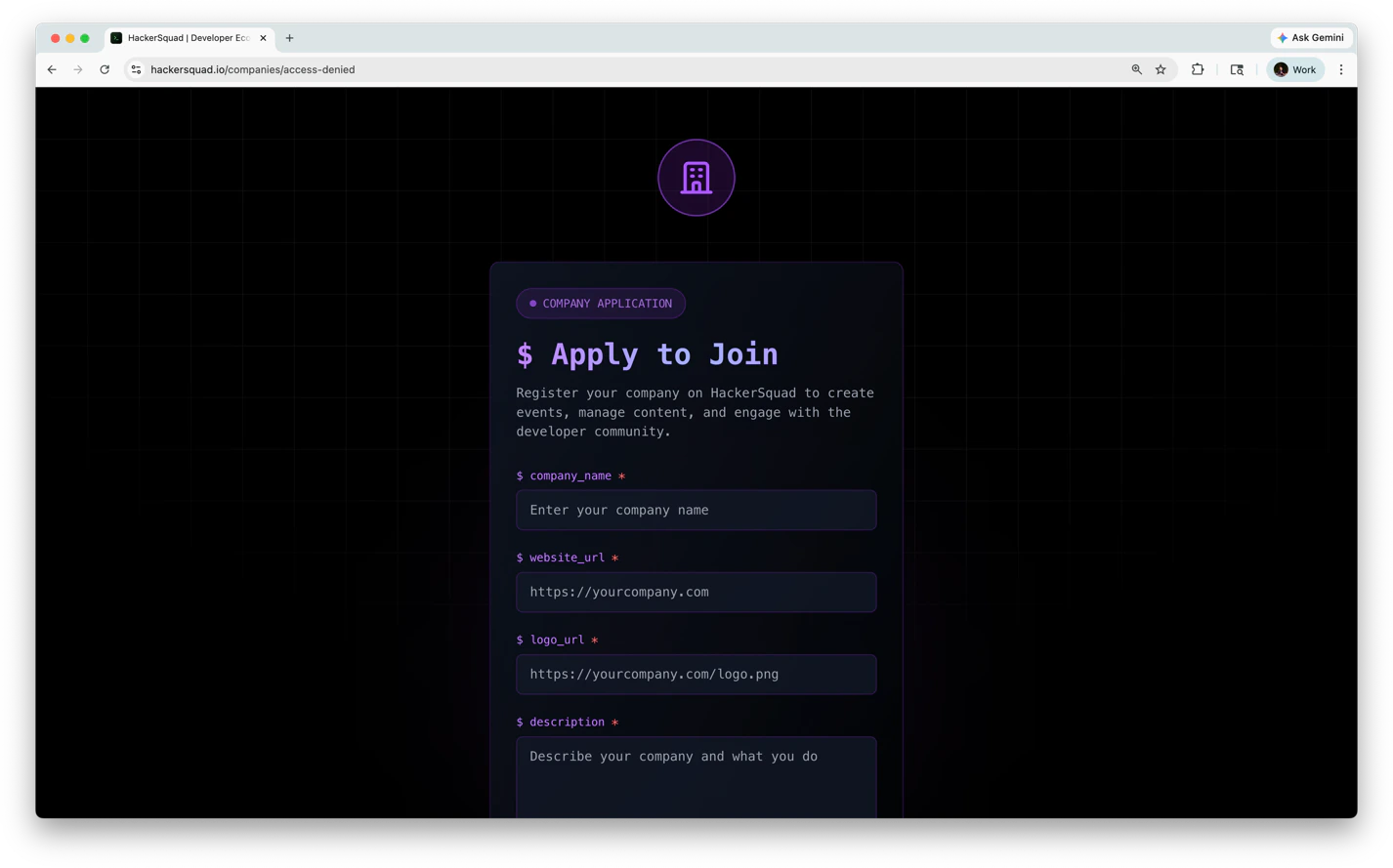 After you submit your company, the HackerSquad team reviews and verifies it. You must wait until that review is complete before you can create events.
If your company is still pending review, you will not be able to create an event yet.
## How event creation works
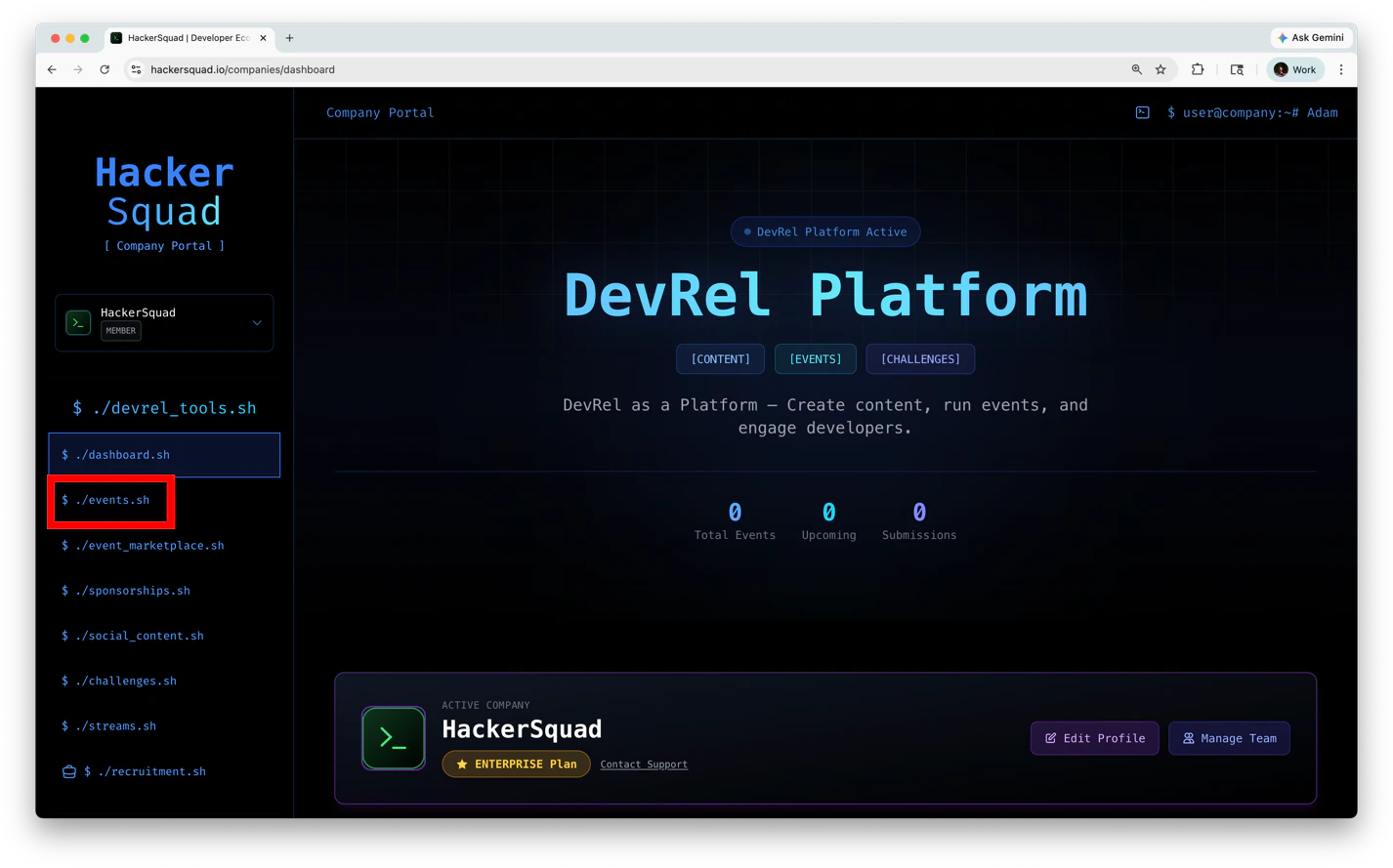
To create a company navigate to the events page on the left navbar.
After you submit your company, the HackerSquad team reviews and verifies it. You must wait until that review is complete before you can create events.
If your company is still pending review, you will not be able to create an event yet.
## How event creation works
To create a company navigate to the events page on the left navbar.
 1. Create your company on HackerSquad.
2. Wait for the HackerSquad team to review and verify your company.
3. Once your company is verified, return to HackerSquad and create your event.
## If you are blocked
If you already created a company but still cannot create an event, your company may still be waiting for verification. Check your company status and wait for the HackerSquad team to complete the review.
## Next steps
Learn how to access the event manager portal and start managing your event.
Add partner companies so builders can use the right tools during your event.
1. Create your company on HackerSquad.
2. Wait for the HackerSquad team to review and verify your company.
3. Once your company is verified, return to HackerSquad and create your event.
## If you are blocked
If you already created a company but still cannot create an event, your company may still be waiting for verification. Check your company status and wait for the HackerSquad team to complete the review.
## Next steps
Learn how to access the event manager portal and start managing your event.
Add partner companies so builders can use the right tools during your event.