> ## Documentation Index
> Fetch the complete documentation index at: https://docs.hackersquad.io/llms.txt
> Use this file to discover all available pages before exploring further.
# Manage an Event
> These docs guide an event manager to use HackerSquad to track engagement, understand their audience, and engage with builders in meaningful and impactful ways.
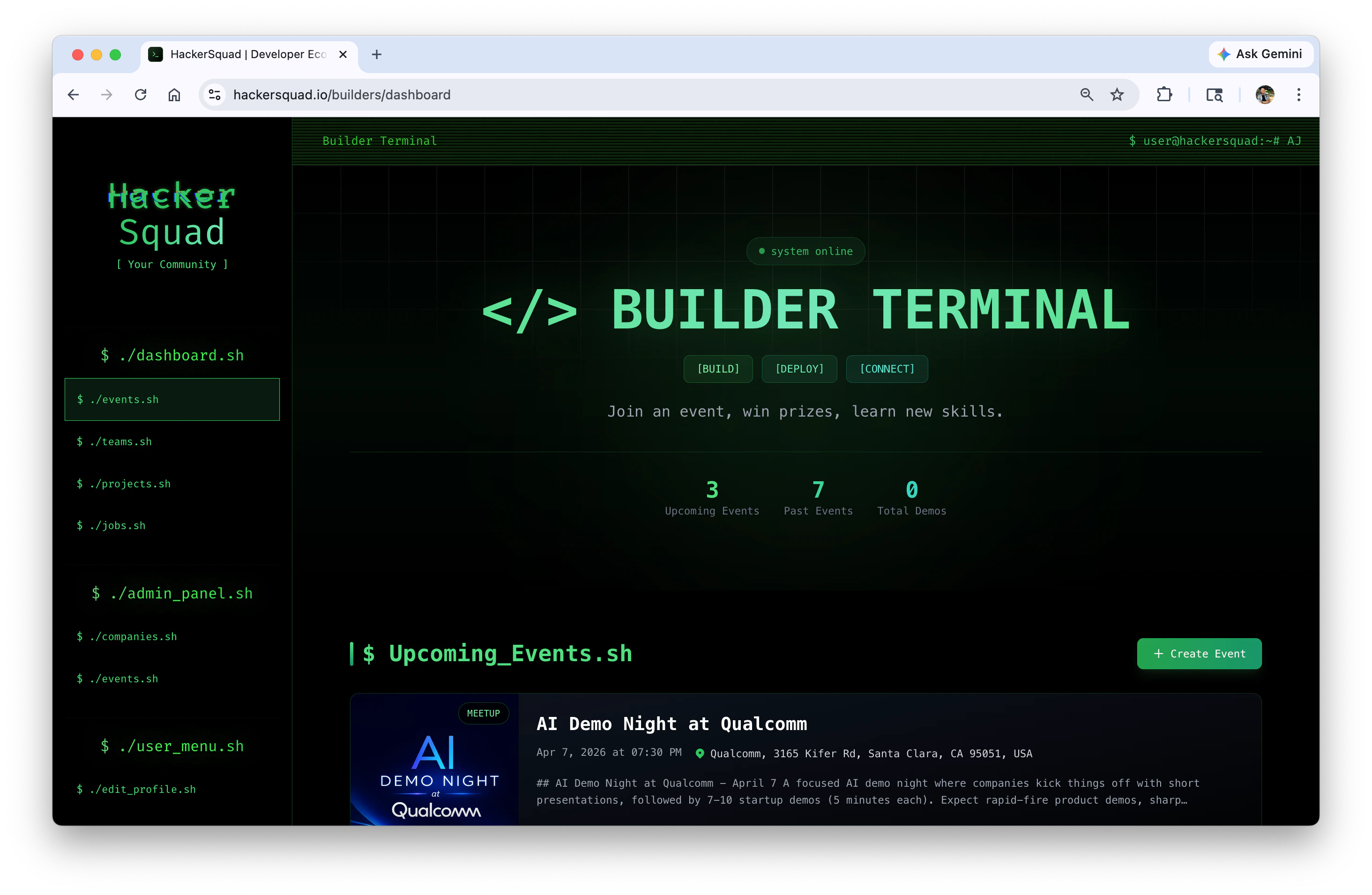 To host an event, you'll need to have Manager access to an event. These docs guide you to view project details as an event manager, add partnering companies to the event, add other event managers, update a photo gallery, and more.
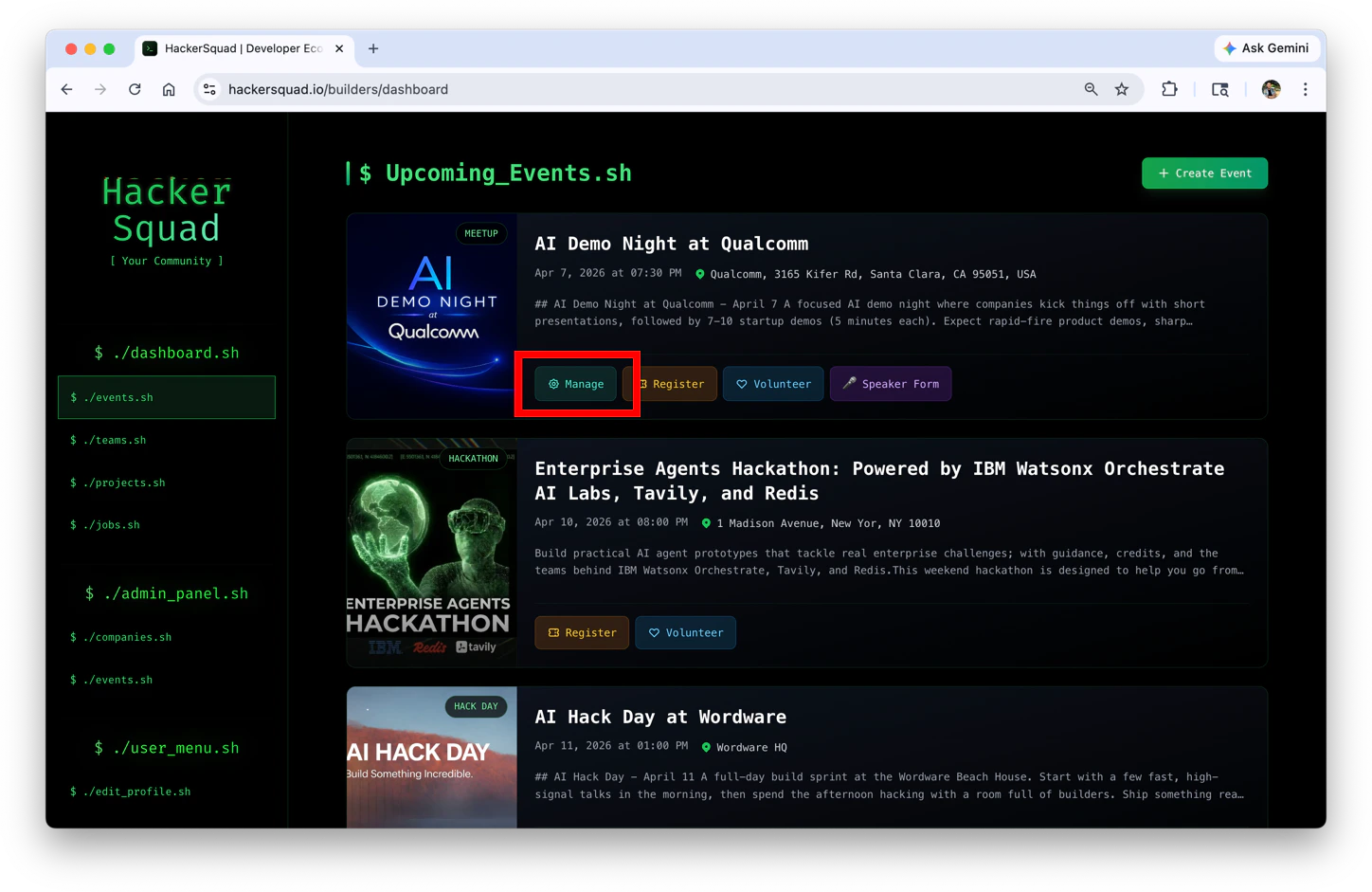 If you are event manager for an event, you will see this `Manage` button on a given event.
If you should be an event manager but you aren't, reach out to the event host to add your email .
Once you're an event manager, you'll have access to all the features that help you manage a hackathon successfully.
Interested in some tips on how to host your event successfully?
## Next steps
Add partner companies before builders start exploring your event.
Add teammates who should help run the event with you.
If you are event manager for an event, you will see this `Manage` button on a given event.
If you should be an event manager but you aren't, reach out to the event host to add your email .
Once you're an event manager, you'll have access to all the features that help you manage a hackathon successfully.
Interested in some tips on how to host your event successfully?
## Next steps
Add partner companies before builders start exploring your event.
Add teammates who should help run the event with you.