> ## Documentation Index
> Fetch the complete documentation index at: https://docs.hackersquad.io/llms.txt
> Use this file to discover all available pages before exploring further.
# Share event link
> Share the builder event link so attendees can quickly access hackathon details, resources, and updates.
Sharing your event link makes it easier for attendees to get to the information they need during the hackathon. The builder event link is where builders go to access event details, resources, and the rest of the event experience. You can get the event link from:
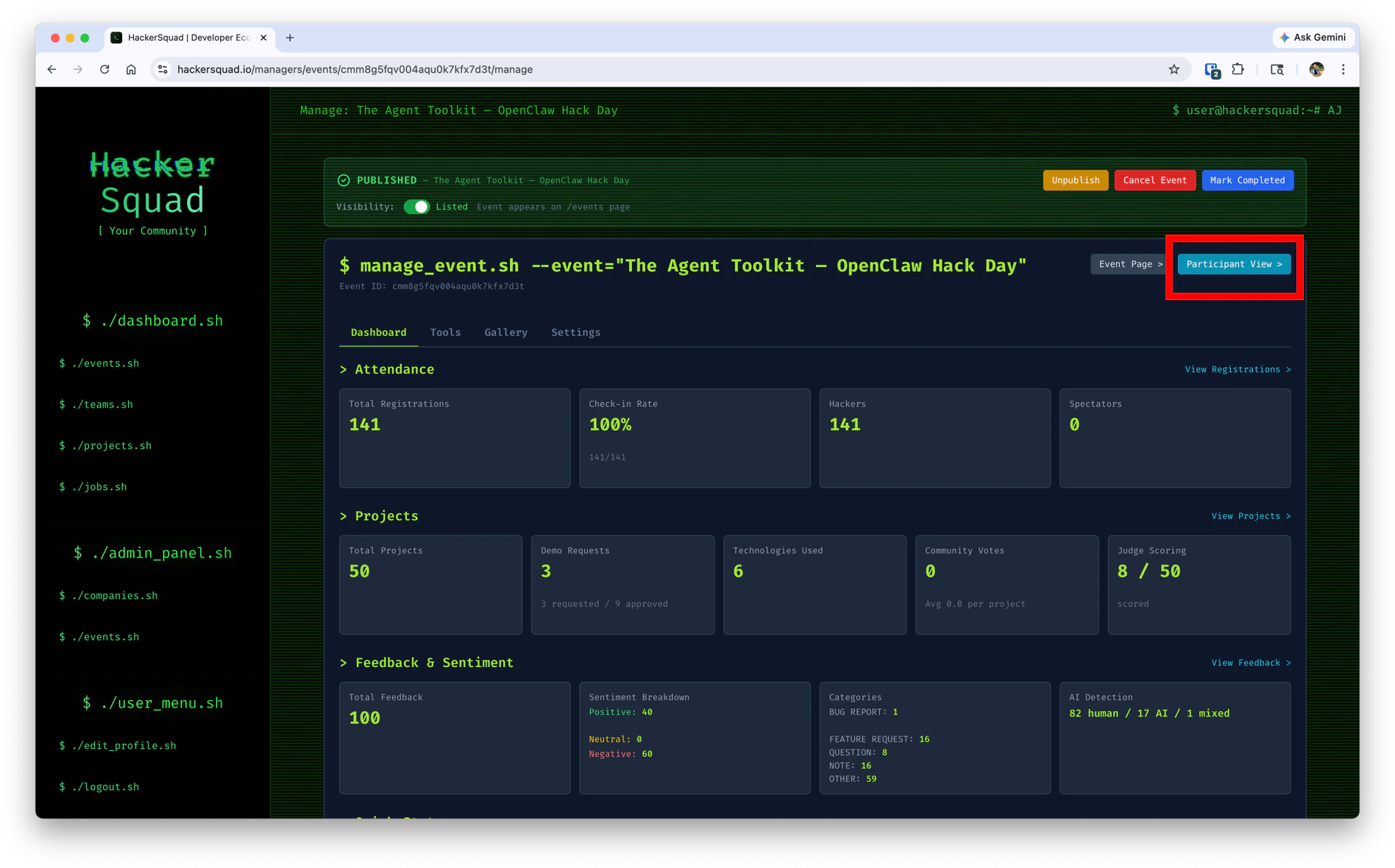 When you have this link ready to share, it becomes much easier for attendees to find what they need without searching through messages or asking organizers for help.
## Why the event link matters
The builder event link acts as the main entry point for the event experience. It gives builders a direct path to the hackathon page and helps them quickly get oriented once the event begins.
This is especially useful when you want to:
* Share event access in announcements or chat
* Help late arrivals find the event quickly
* Give builders one reliable place to return to during the event
## What happens if a user is not logged in
If someone opens the builder event link before logging in, HackerSquad sends them to the login page first.
When you have this link ready to share, it becomes much easier for attendees to find what they need without searching through messages or asking organizers for help.
## Why the event link matters
The builder event link acts as the main entry point for the event experience. It gives builders a direct path to the hackathon page and helps them quickly get oriented once the event begins.
This is especially useful when you want to:
* Share event access in announcements or chat
* Help late arrivals find the event quickly
* Give builders one reliable place to return to during the event
## What happens if a user is not logged in
If someone opens the builder event link before logging in, HackerSquad sends them to the login page first.
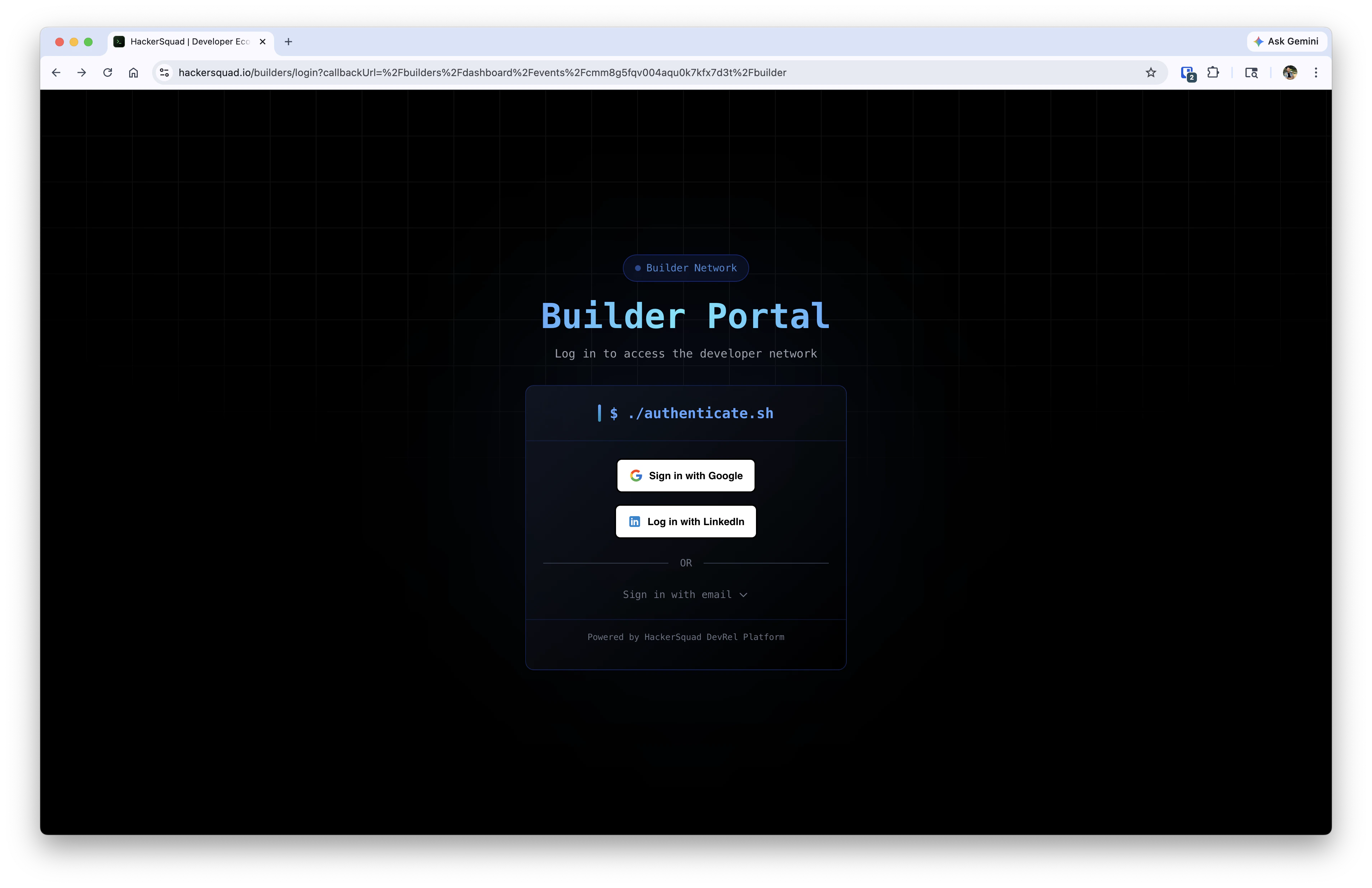 After they log in, they can continue into the event experience.
## What builders see after logging in
Once a builder is signed in, they are taken to the event dashboard.
After they log in, they can continue into the event experience.
## What builders see after logging in
Once a builder is signed in, they are taken to the event dashboard.
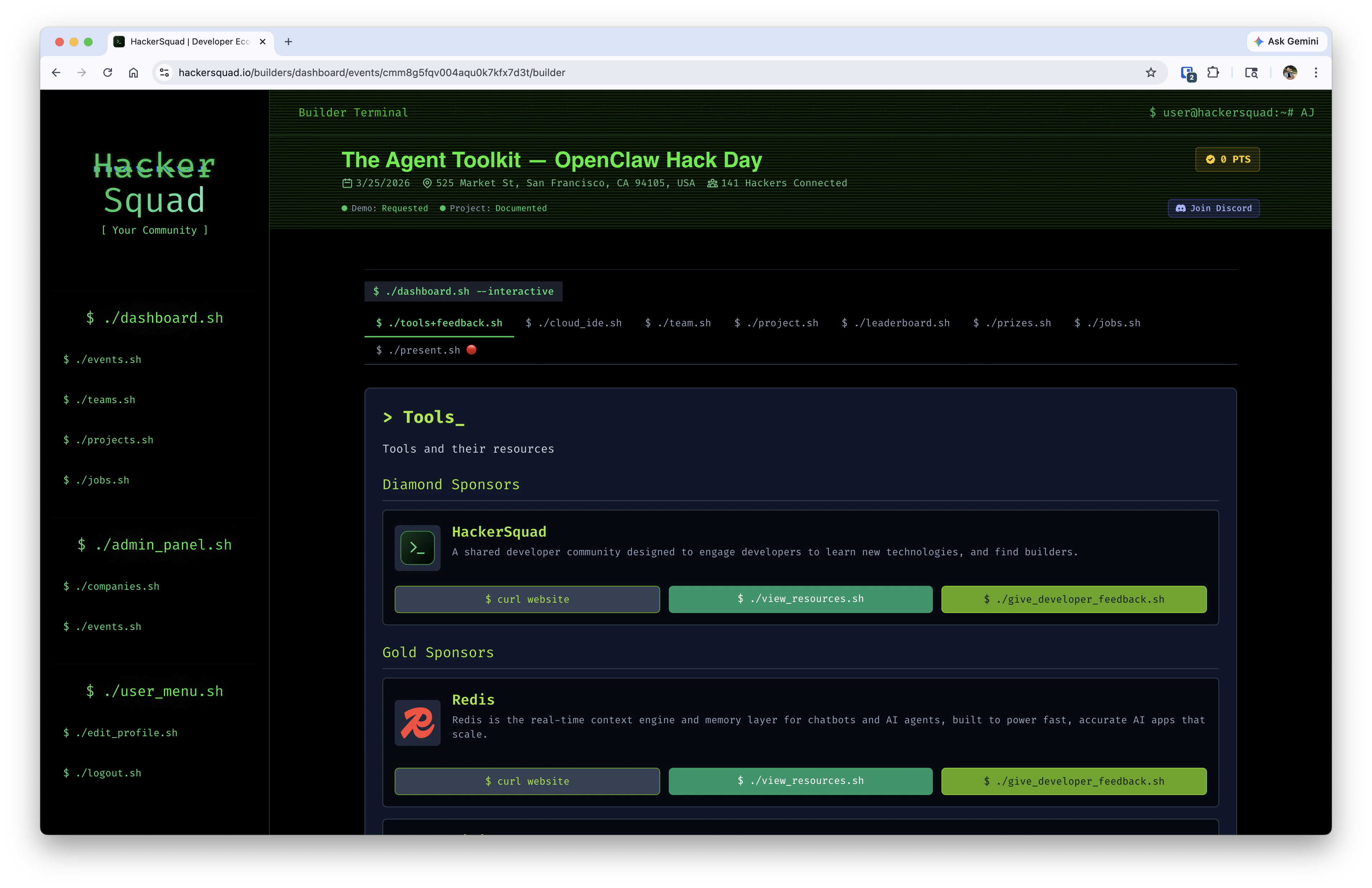 This dashboard gives builders a central place to access the event and find the information they need during the hackathon.
Share the builder event link before the event starts and again during kickoff so attendees always have a direct path back to the event dashboard.
## Next steps
Review builder submissions once attendees start using the event dashboard.
Send in-product updates once builders are active in the event experience.
This dashboard gives builders a central place to access the event and find the information they need during the hackathon.
Share the builder event link before the event starts and again during kickoff so attendees always have a direct path back to the event dashboard.
## Next steps
Review builder submissions once attendees start using the event dashboard.
Send in-product updates once builders are active in the event experience.