

Find the feedback section
Use the event management portal to open the feedback section for your event.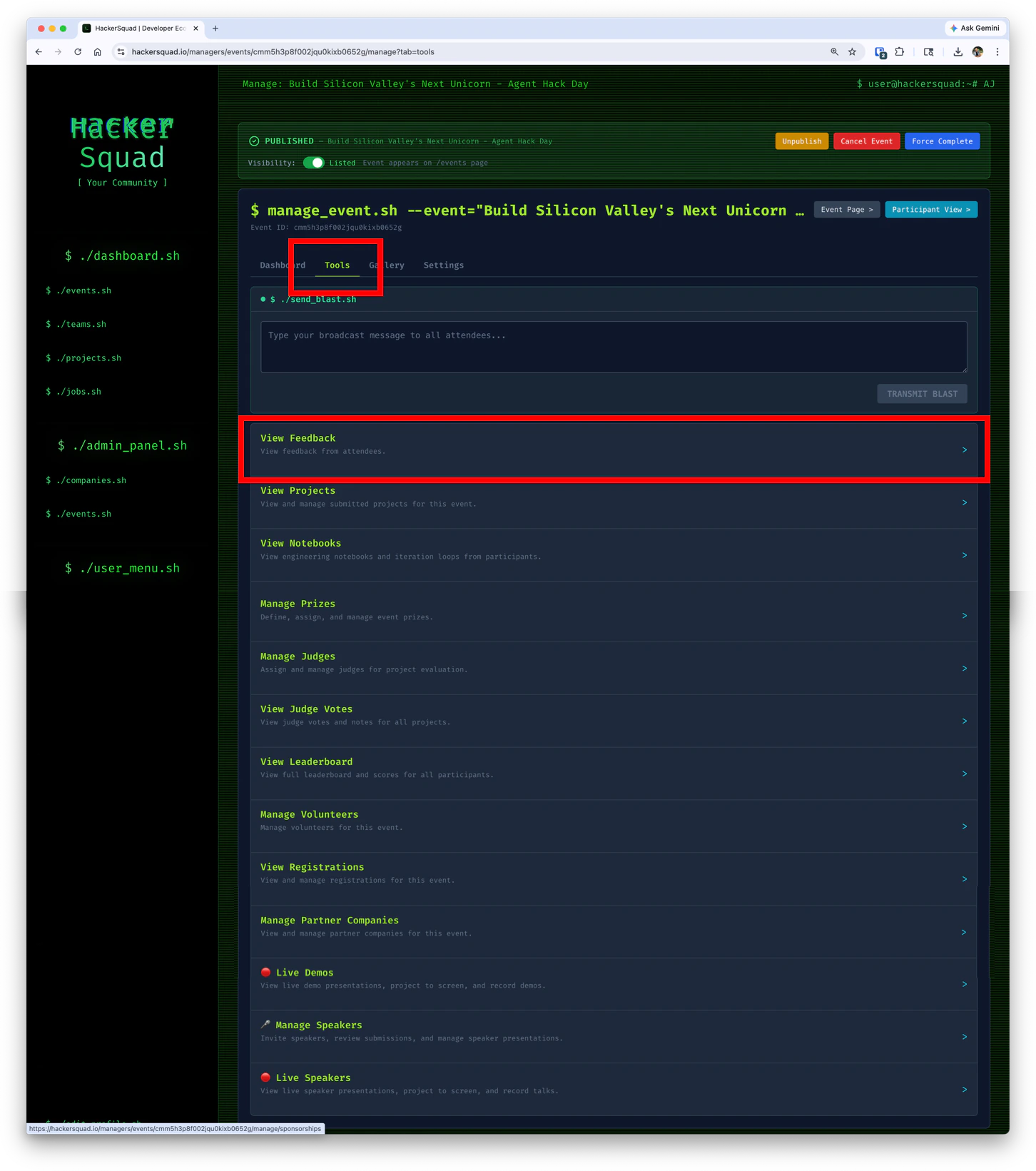
Why feedback analysis matters
Builders do not always submit thoughtful feedback on their own. It is common for people to write low-effort responses, very short responses, or AI-generated responses that do not reflect a real developer experience. To improve quality, every feedback submission goes through a multi-step LLM analysis workflow. This helps HackerSquad identify feedback that is more likely to be human-written and technically useful. The LLM Score reflects the technical depth of the submission. Higher scores generally indicate that the builder explained their experience in more detail and gave more meaningful product feedback. The points generated from the LLM Score also feed into the leaderboard in the builder portal. This gives builders an additional reason to submit thoughtful, experience-based feedback instead of low-effort responses.AI detection overview
HackerSquad includes an AI Detection Overview so you can understand the quality of the feedback collected for your event.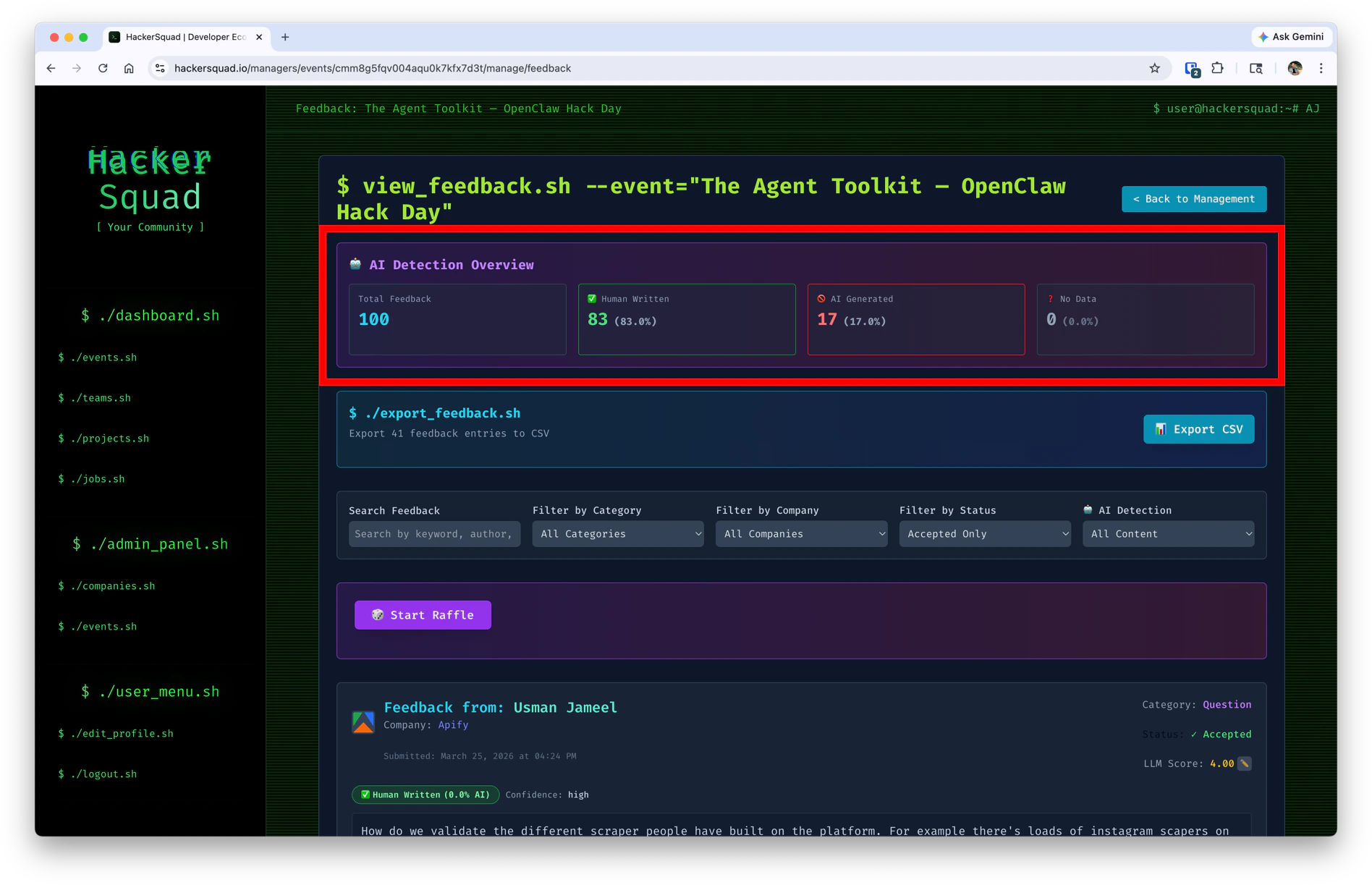
- The total number of feedback submissions
- How many responses were classified as human-written
- How many responses were flagged as AI-generated
- Whether any responses could not be classified
The default filters show only accepted feedback, which helps you focus on the responses most likely to be useful.
Filter and review feedback
Use the feedback filters to narrow the list to the responses you want to review. By default, HackerSquad shows accepted feedback first. This helps you spend time on the submissions most likely to contain real developer insights. As you review feedback, use the LLM analysis and score as signals for depth and quality, especially when you want to understand how builders experienced partner tools or developer workflows.Export feedback
Feedback can also be exported from HackerSquad. Use the export tool to download feedback entries as a CSV file for deeper review, sharing, or post-event analysis.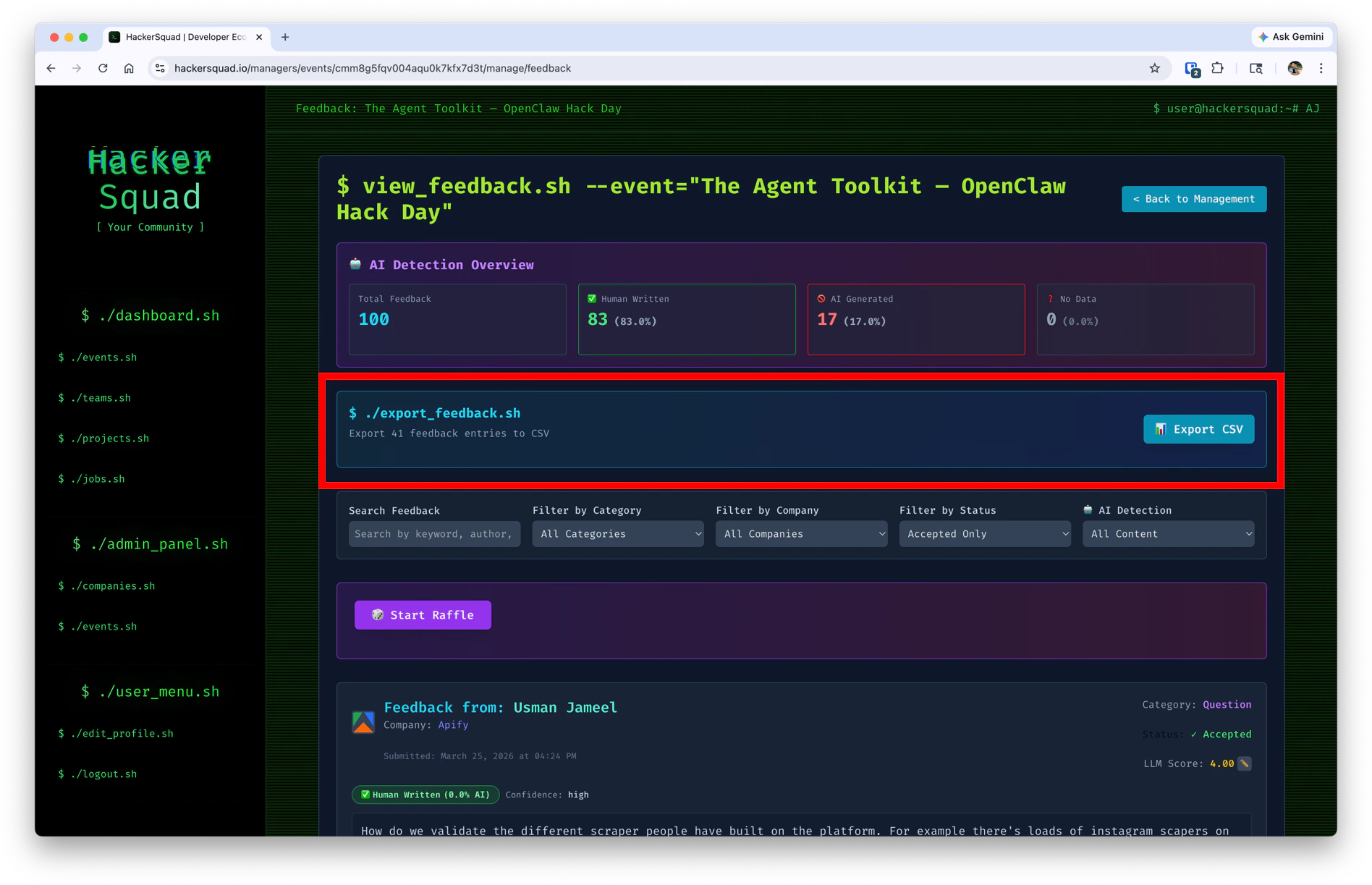
- Share results with internal teams
- Review feedback outside the platform
- Analyze product experience trends after the event
Run a raffle
HackerSquad includes a built-in raffle tool for feedback submissions. When you click the raffle button, the platform randomly selects one feedback entry. This is a simple way to reward participation and encourage more builders to leave thoughtful feedback during the event.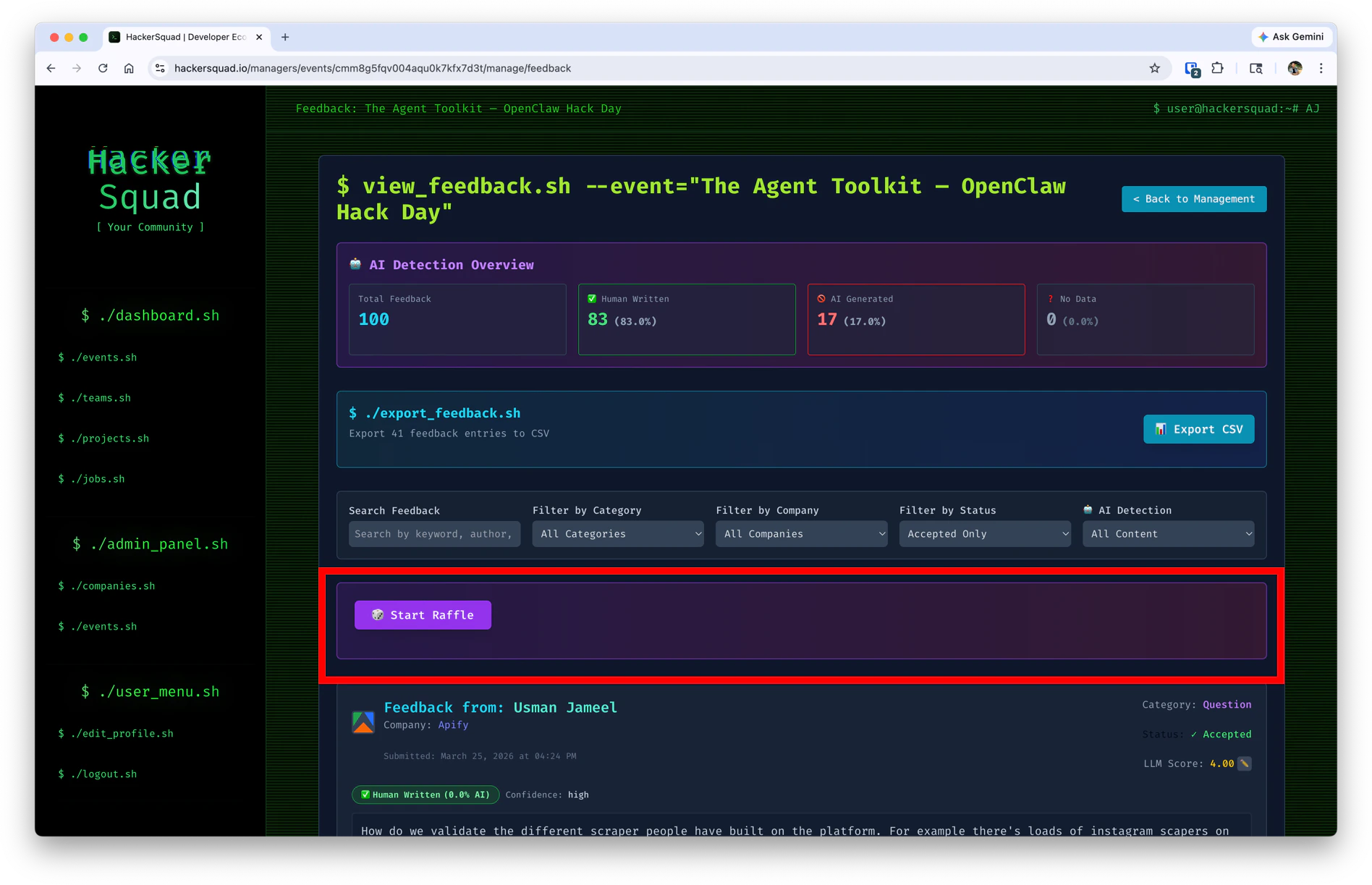
Next steps
Capture live demos
Capture live builder demos so key event moments are preserved.
Capture live presentations
Invite speakers and capture presentations through the base station workflow.