

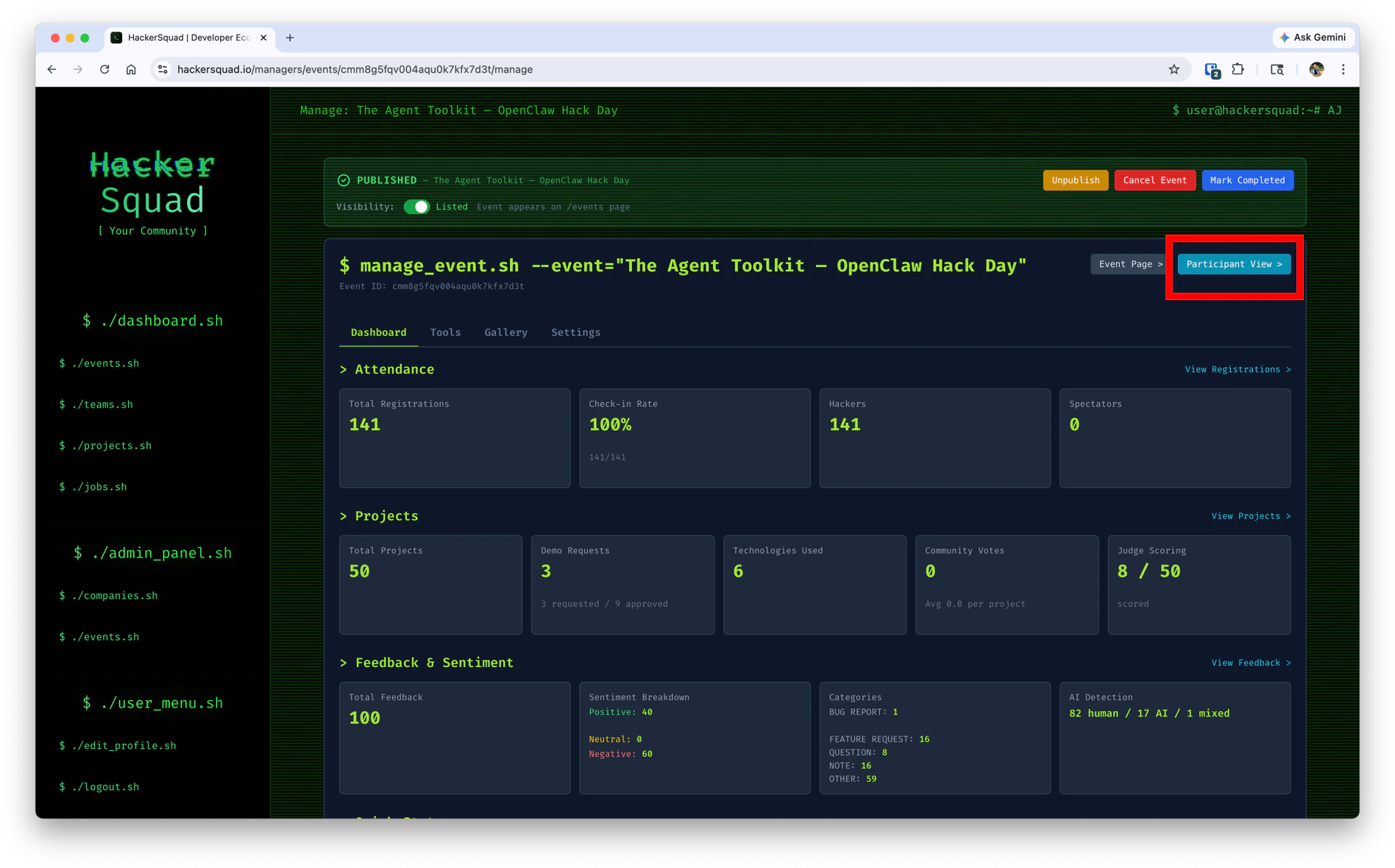
Why the event link matters
The builder event link acts as the main entry point for the event experience. It gives builders a direct path to the hackathon page and helps them quickly get oriented once the event begins. This is especially useful when you want to:- Share event access in announcements or chat
- Help late arrivals find the event quickly
- Give builders one reliable place to return to during the event
What happens if a user is not logged in
If someone opens the builder event link before logging in, HackerSquad sends them to the login page first.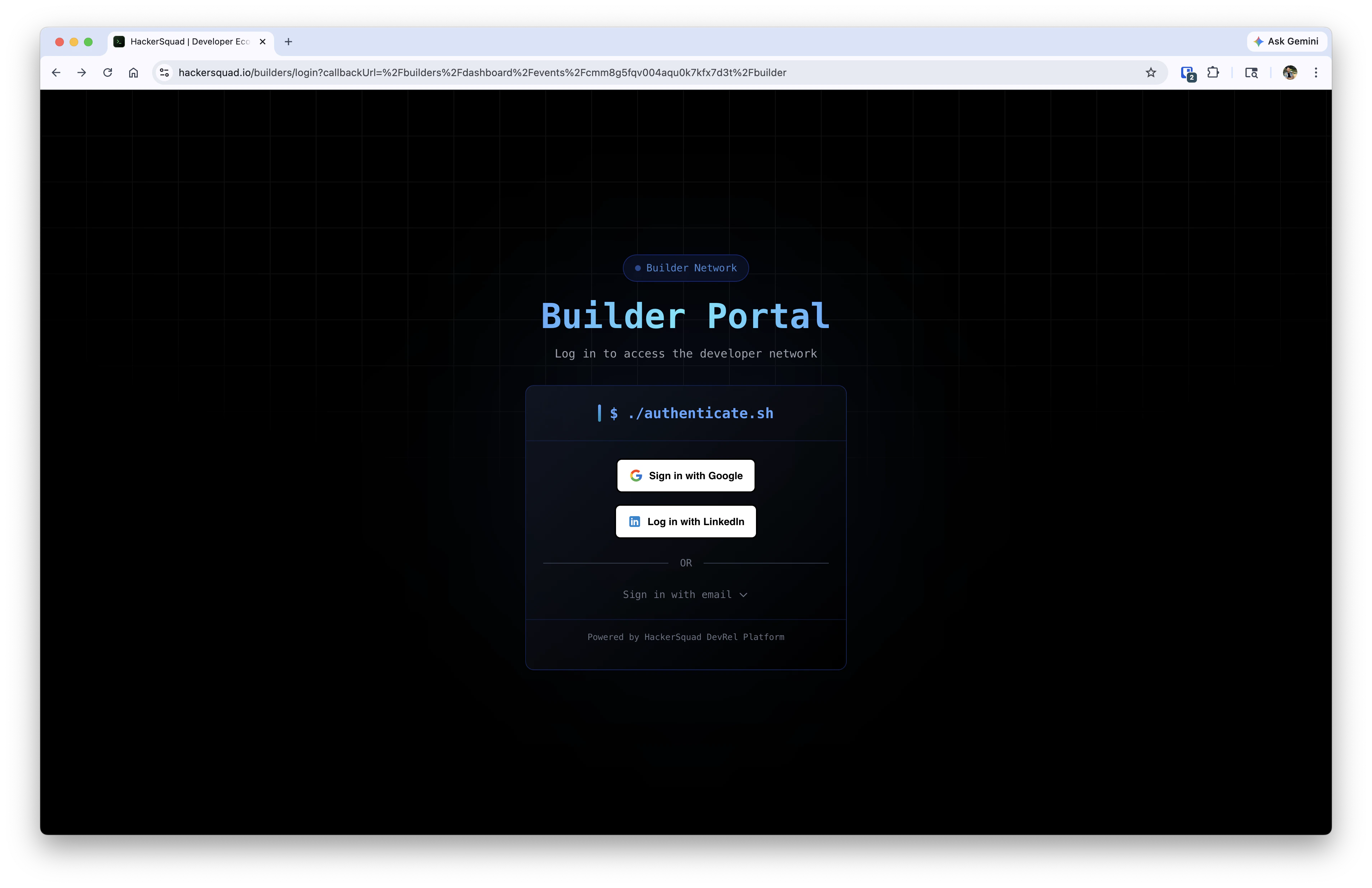
What builders see after logging in
Once a builder is signed in, they are taken to the event dashboard.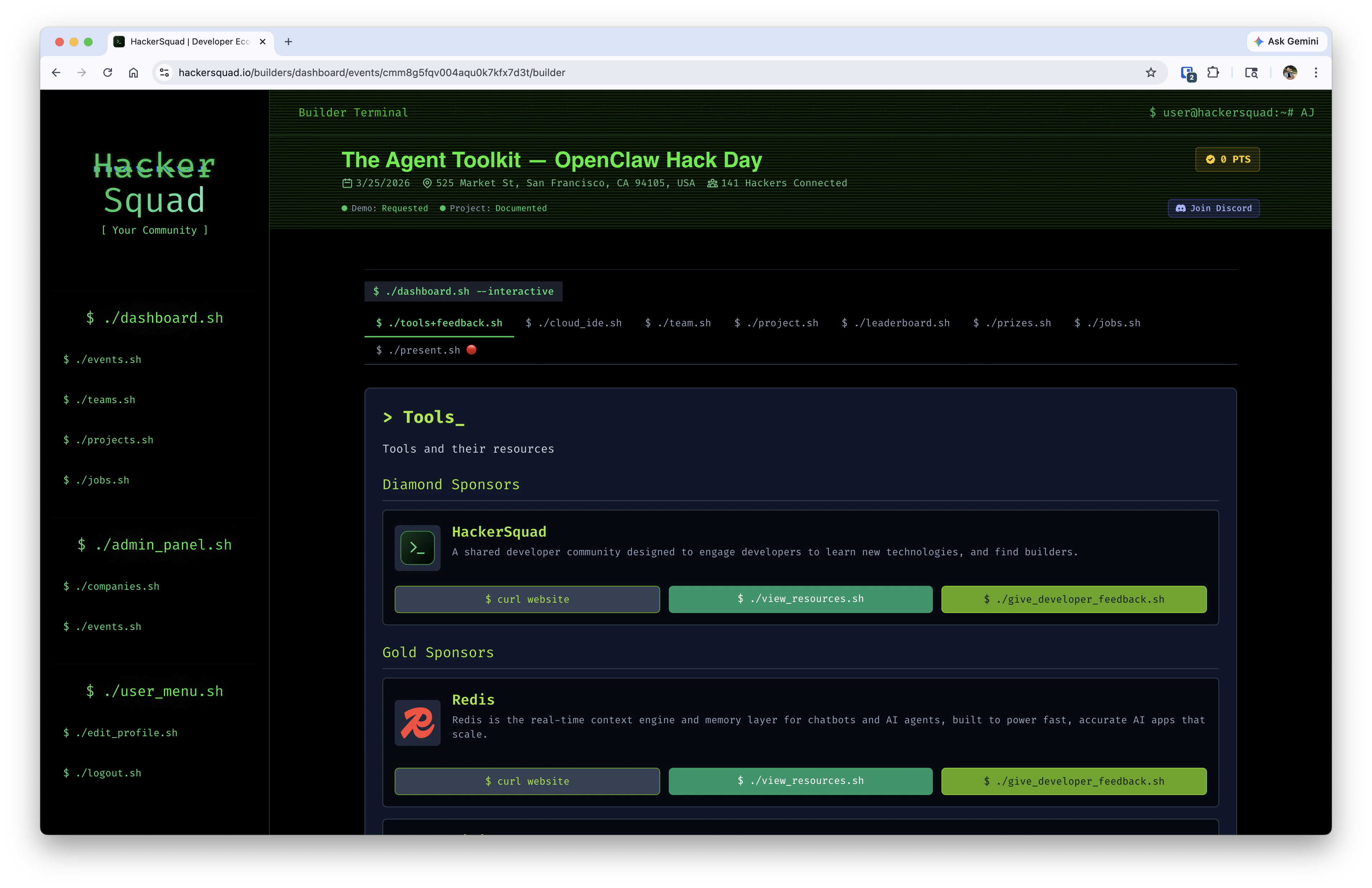
Next steps
View projects
Review builder submissions once attendees start using the event dashboard.
Send event blast
Send in-product updates once builders are active in the event experience.